100-1000Base-T1-Tx-E Series Automotive Media Converter
Synced from buelec-tech/100-1000Base-T1-Tx-E — edit the repository README to change this page.
The 100-1000Base-T1-Tx-E Series provides high-performance, low-cost automotive Ethernet media conversion. Based on the Marvell 88Q2112 (T1 PHY) and Realtek RTL8211FI (TX PHY), these devices enable seamless bi-directional communication between standard RJ45 Ethernet and automotive single-pair Ethernet.
Supported Automotive Ethernet Standards
| IEEE Standard | Automotive Ethernet Mode | Support |
|---|---|---|
| IEEE 802.3bw | 100BASE-T1 | Supported |
| IEEE 802.3bp | 1000BASE-T1 | Supported |
Product Selection Guide
| Product Name | Connector Type | Product Image | Documentation |
|---|---|---|---|
| 100/1000Base-T1-TX-E | 3.81mm Terminal Block | 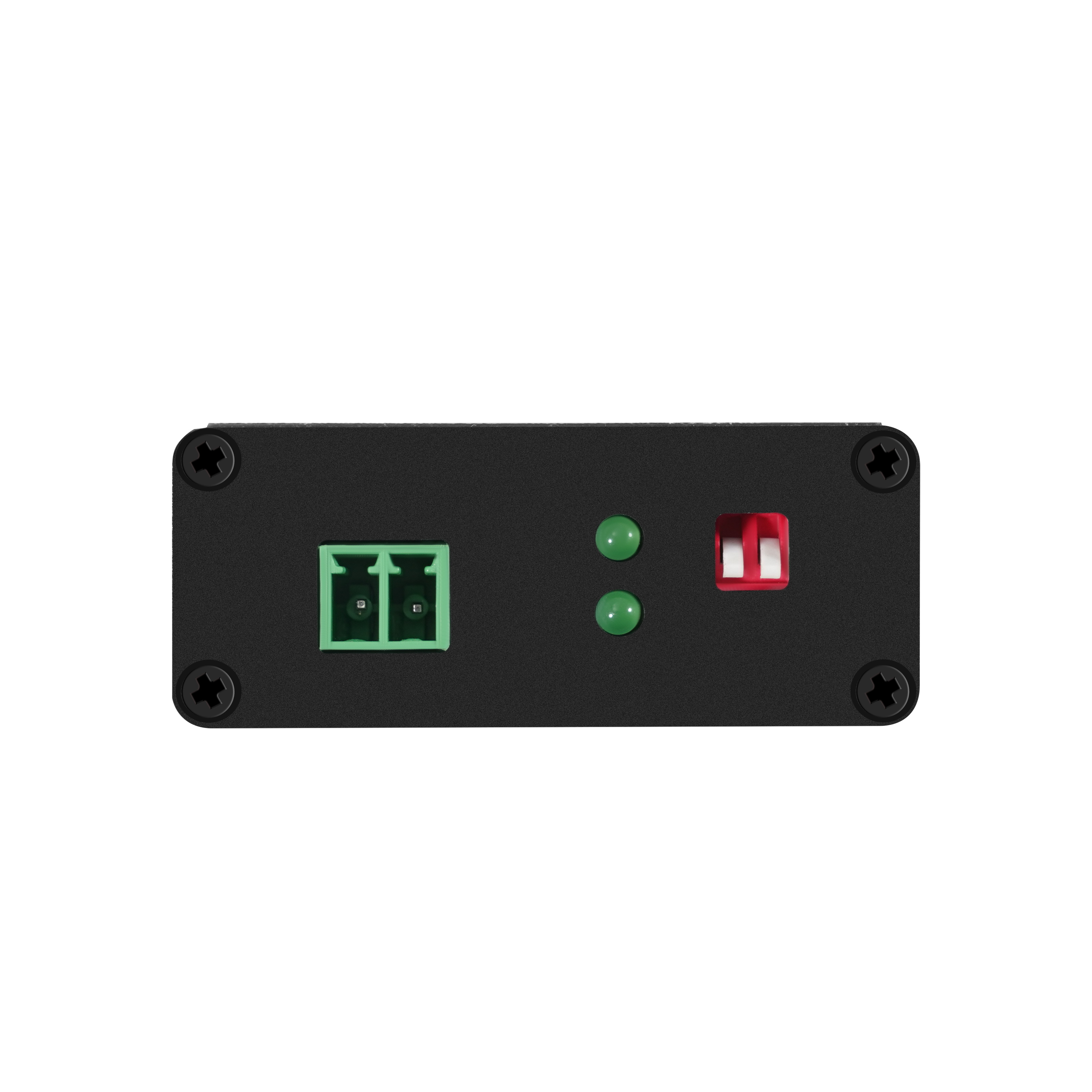 | User Manual V12 |
| 100/1000Base-T1-TX-TE | TE MATE-NET Connector | 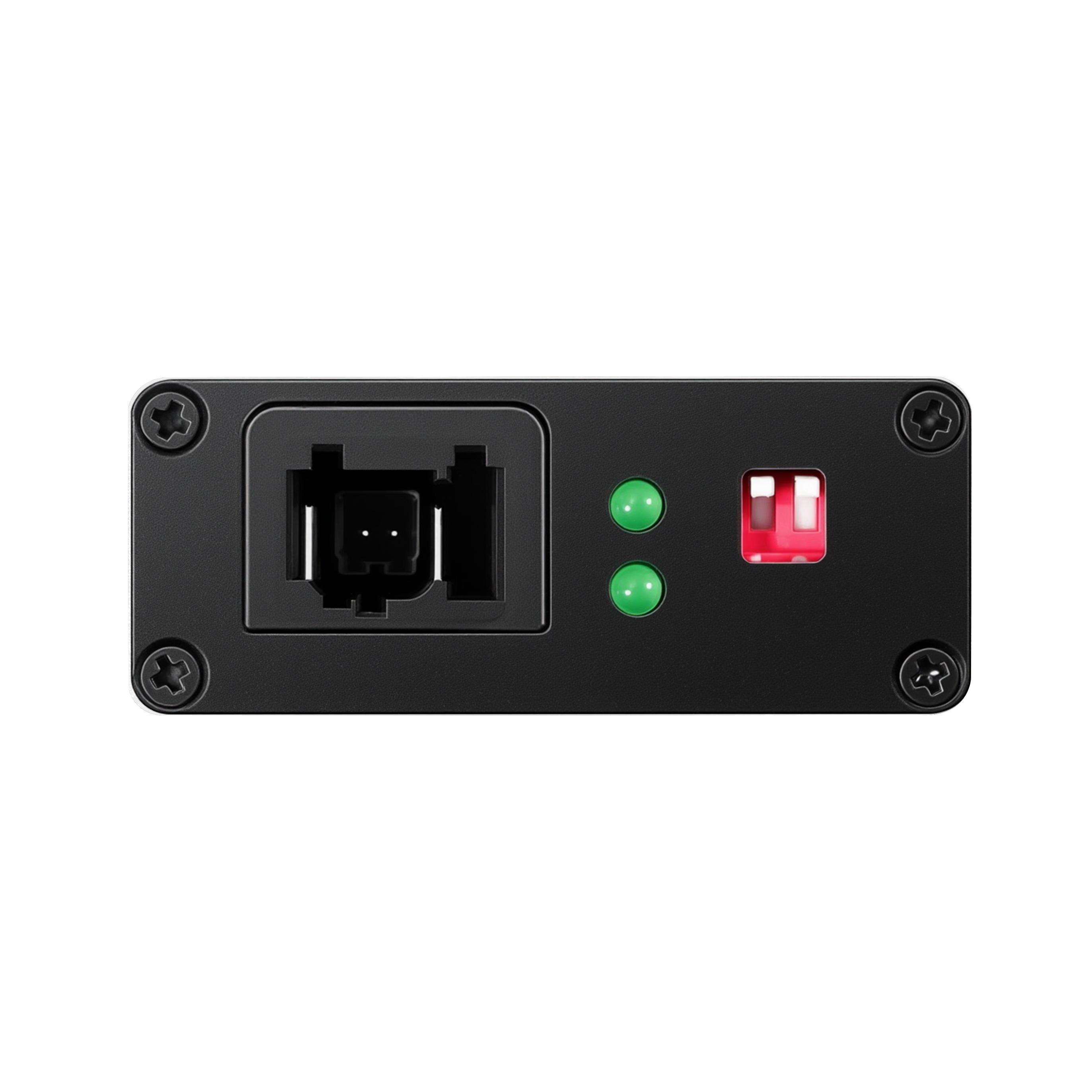 | User Manual V12 |
| 100/1000Base-T1-TX-HMTD | Rosenberger HMTD Connector | 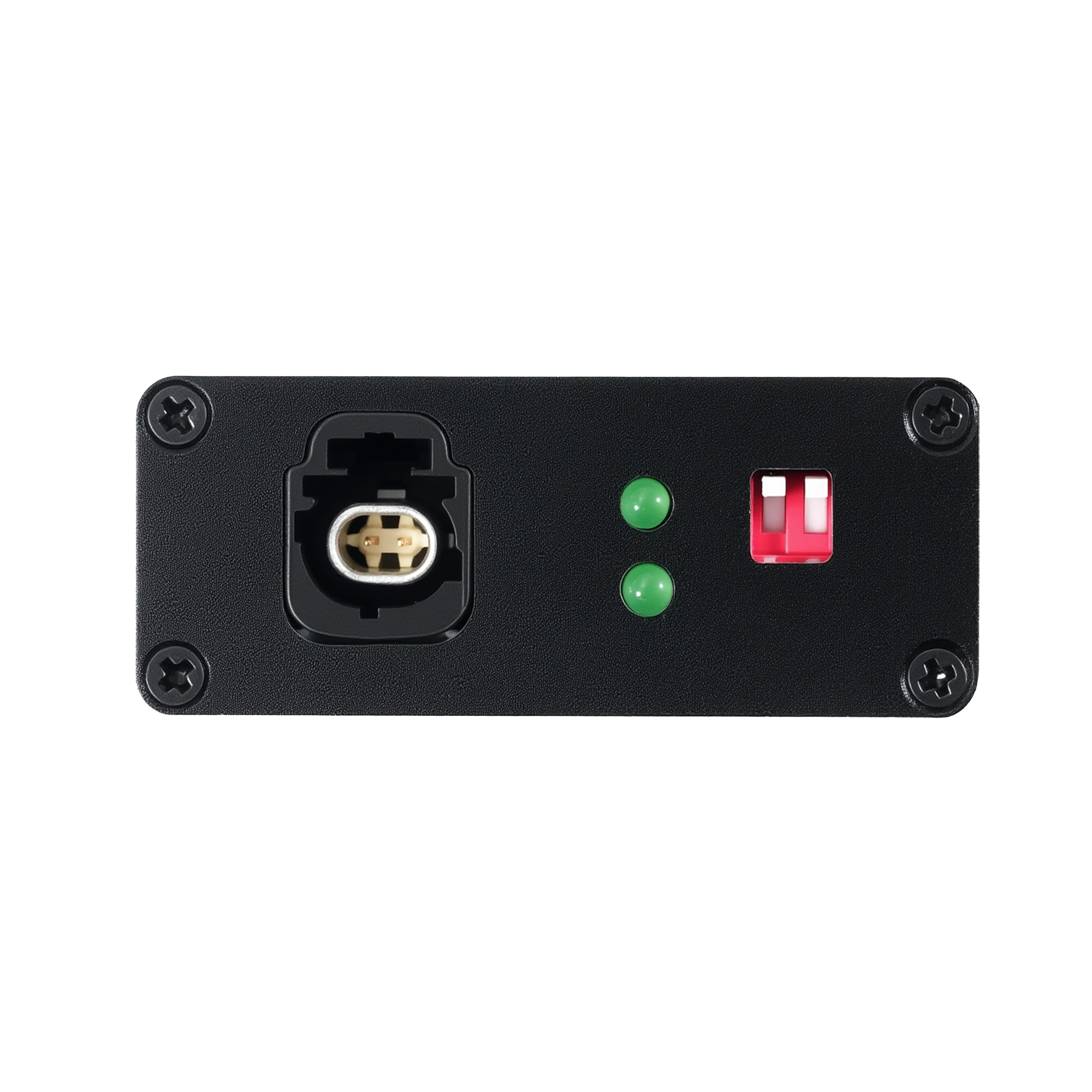 | User Manual V12 |
Key Features
- High-Speed Conversion: Supports both 100BASE-T1 and 1000BASE-T1 automotive Ethernet standards.
- Proven Chipset: Marvell 88Q2112 (T1) + Realtek RTL8211FI (TX) for reliable, low-latency performance.
- Industrial Grade: Designed for harsh environments with an operating temperature range of -45°C to +85°C.
- Flexible Power: Supports USB Type-C (5V) and wide-range DC input (5-36V).
- Status Monitoring: Integrated LEDs for Link, Activity, and Signal Quality Indicator (SQI).
Repository Structure
images/: High-resolution product photos.Linux_Python/: Automation scripts for IP setup and performance testing (iperf3).Win_Soft/: iperf3 binaries for Windows.*.pdf: Comprehensive technical user manuals for each model.
Support
Typical Applications
PC / ARM ←→ RJ45 ←→ [100/1000Base-T1-TX-E] ←→ Automotive ECU / ADAS Camera / Radar
| Input Protocol | Output Protocol | Use Cases |
|---|---|---|
| 100BASE-TX | 100BASE-T1 | Vehicle diagnostics (DoIP), smart cockpit flashing, ADAS sensor debugging |
| 1000BASE-TX | 1000BASE-T1 | High-speed camera/radar data, ECU programming, R&D testing |
Product Specifications
| Parameter | Specification |
|---|---|
| T1 PHY | Marvell 88Q2112 |
| TX PHY | Realtek RTL8211FI |
| Standards | IEEE 802.3bw (100BASE-T1), IEEE 802.3bp (1000BASE-T1), IEEE 802.3ab (1000BASE-T) |
| Input Voltage | USB Type-C 5V ± 0.5V / DC Jack 6–30V |
| Operating Current | ≤ 355mA |
| Operating Temperature | -40°C to +85°C |
| Operating Humidity | 0–95% RH (non-condensing) |
| Dimensions (L × H × W) | 50mm × 20mm × 83mm |
| Features | IEEE 802.1Q VLAN, QoS, ESD/OVP/OCP protection |
T1 Transmission Distance
| T1 Speed | Cable Type | Max Distance |
|---|---|---|
| 100BASE-T1 | UTP | 20 m |
| 100BASE-T1 | STP | 50 m |
| 1000BASE-T1 | UTP | 15 m |
| 1000BASE-T1 | STP | 40 m |
DIP Switch Configuration
The device has two DIP switches on the enclosure:
| Switch | UP | DOWN |
|---|---|---|
| 100M / 1000M | 1000Mbps | 100Mbps |
| Master / Slave | Master | Slave |
Note: When connecting two converters back-to-back, set one as Master and the other as Slave.
Quick Start Guide
Linux (Raspberry Pi 5)
1. Install iperf3
sudo apt-get install iperf3
Do not enable iperf3 as a daemon, or it may fail on next boot.
2. Clone this repo
git clone https://github.com/buelec-tech/100-1000Base-T1-Tx-E.git
3. Disable Wi-Fi and configure static IP
Host A (Client):
sudo ifconfig eth0 down
sudo ifconfig eth0 190.19.1.9
sudo ifconfig eth0 up
Host B (Server):
sudo ifconfig eth0 down
sudo ifconfig eth0 190.19.1.90
sudo ifconfig eth0 up
4. Verify connectivity
sudo ping 190.19.1.90
5. Run iperf3 test
TCP test:
# Host B (server)
sudo iperf3 -s

# Host A (client)
sudo iperf3 -c 190.19.1.90 -n 8000M -i 30
UDP test:
# Host A (client)
sudo iperf3 -c 190.19.1.90 -u -b 8000M -l 8k -n 1000M
Or use the Python scripts in Linux_Python/:
190.19.1.9/— Client-side scripts (setip, ping, iperf3-send-client)190.19.1.90/— Server-side scripts (setip, ping, iperf3-server)
Windows
1. Download iperf3 from Win_Soft/iperf3.6_64bit.zip and unzip.
2. Disable firewalls on both computers.
3. Set static IPs
| Computer A (Client) | Computer B (Server) | |
|---|---|---|
| IP | 190.19.1.9 | 190.19.1.90 |
| Subnet | 255.255.0.0 | 255.255.0.0 |
| Gateway | 190.19.1.1 | 190.19.1.1 |
4. Verify connectivity
ping -S 190.19.1.9 190.19.1.90
5. Run iperf3 test
:: Host B (server)
.\iperf3.exe -B 190.19.1.90 -s

:: Host A (client) - 100M test
.\iperf3.exe -c 190.19.1.90 -B 190.19.1.9 -w 100M -t 10

:: Host A (client) - 1000M test
.\iperf3.exe -c 190.19.1.90 -B 190.19.1.9 -w 100M -t 1
Packing List
| No. | Item | Qty |
|---|---|---|
| 1 | 100/1000Base-T1-TX Converter | 1 |
| 2 | 2-Pin Terminal Block (15EDG3.81mm-2P) | 1 |
| 3 | Type-C USB Power Cable | 1 |
| 4 | DC-Jack Power Adapter 12V | 1 |
| 5 | CAT6 Ethernet Cable | 1 |
Models TX-TE and TX-HMTD include their respective pigtail adapter cables.